
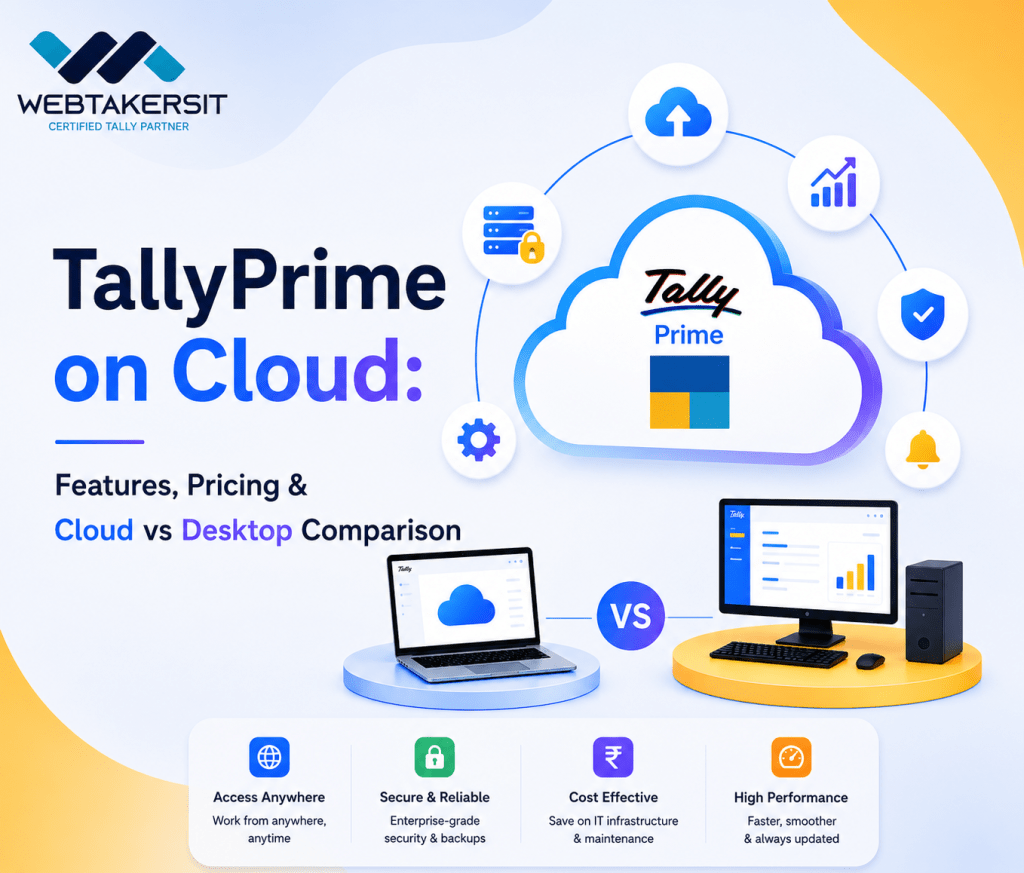
In the rapidly evolving digital landscape, businesses are no longer confined to the
four walls of an office. As remote work becomes the norm and real-time data access becomes a necessity, traditional accounting methods are undergoing a massive shift.
One of the most significant advancements in this space is TallyPrime on Cloud.
For decades, Tally has been the backbone of Indian business accounting. However,
The limitation of being tied to a single local machine or a specific office network often hindered scalability and flexibility. TallyPrime on Cloud solves this problem by hosting your Tally data and application on secure, high-performance remote servers, allowing you to access your financial records from anywhere, at any time, using any device.
What is TallyPrime on Cloud?
TallyPrime on Cloud is a Software-as-a-Service (SaaS) model where your Tally software is installed on a virtual cloud server instead of your local computer’s hard drive. It essentially provides you with a virtual desktop experience. When you login, you see the familiar TallyPrime interface, but the actual processing happens on a powerful server managed by a cloud service provider.
TallyPrime is well-known for its comprehensive accounting features, enabling businesses to manage their finances seamlessly. However, traditional setups can come with limitations, especially concerning accessibility and collaboration. TallyPrime on Cloud addresses these issues by offering a flexible, scalable solution that allows you to access your financial data anytime, anywhere, and from any device.
Core Features of TallyPrime on Cloud
- Remote Access Anytime, Anywhere
Whether you are at home, traveling, or at a client site, you can access your Tally data. This eliminates the need for manual data synchronization or carrying laptops everywhere. All you need is a stable internet connection and your login credentials.
- Device Independence
Traditionally, Tally required a Windows environment. With cloud hosting, you can access TallyPrime on Mac, Linux, Android, or iOS devices via a web browser or a thin client. This opens up possibilities for business owners who prefer iPads or MacBooks.
- Enhanced Data Security
Cloud providers use enterprise-grade security protocols, including end-to-end encryption, multi-factor authentication (MFA), and advanced firewalls. This is often far more secure than a local PC, which is vulnerable to hardware failure, theft, or local virus attacks.
- Automatic Backups
One of the biggest headaches for accountants is taking regular backups. Cloud hosting services automate this process. Your data is backed up daily (or even hourly) on multiple server locations, ensuring zero data loss even in case of an emergency.
- Scalability and High Performance
As your business grows, your data volume increases. On a local PC, Tally might slow down. On the cloud, you can easily upgrade your RAM and CPU resources to ensure that your Tally remains lightning-fast, regardless of the number of entries.
Comprehensive Comparison: Cloud vs. Desktop
Feature | TallyPrime (Desktop) | TallyPrime (Cloud) |
Accessibility | Limited to the physical office/PC. | Global access from any location. |
Device Support | Only Windows OS. | Windows, Mac, Mobile, Tablet . |
Data Security | Depends on local IT setup. High risk. | Enterprise-grade security & encryption. |
Upfront Cost | High (Server hardware + License). | Low(Monthly/Annual Subscription). |
Maintenance | User responsible for IT & Hardware. | Managed by the Cloud Provider. |
Data Backup | Manual process, often ignored. | Automated and redundant backups. |
Pricing Models for TallyPrime on Cloud
TallyPrime Pack
- Starting price: ₹600 +18% GST INR per month for one user
- 2 user plans: ₹600 +18% GST INR per user per month
- 4-16 user plans: ₹450 +18% GST INR per user per month
TallyPrime Server Pack
- 8-128 user plan: ₹750+18% GST INR per user per month
Is TallyPrime on Cloud Right for Your Business?
If you are a business owner with multiple branches, a CA firm with remote auditors, or a startup looking to avoid heavy hardware costs, the cloud is the way forward. It reduces the “Total Cost of Ownership” (TCO) and allows your team to collaborate in real-time without geographical barriers.
If you’re planning to buy TallyPrime or need support for your existing Tally setup, we’re here to help. Contact Webtakersit
📞 Contact Us:
+91-9910022478
📧 Email:
info@webtakersit.com
Yes, TallyPrime on Cloud is highly secure. It uses advanced security measures such as:
Data encryption
Firewall protection
Secure login authentication
Regular data backups
Most cloud providers also offer disaster recovery systems to protect your data.
- Starting price: ₹600 +18% GST INR per month for one user
- 2 user plans: ₹600 +18% GST INR per user per month
- 4-16 user plans: ₹450 +18% GST INR per user per month
Yes, you can easily migrate your existing TallyPrime data to the cloud with the help of your service provider.
Data backup is automatic and performed regularly by the cloud provider, ensuring your data is always safe and recoverable.
The main difference is:
Cloud: Access from anywhere, automatic backup, subscription-based
Desktop: Works only on one system, manual backup, one-time setup
Cloud is more flexible, while desktop is suitable for small single-user setups.